

 History
 13298
13298

@jb18007


 80842.73USD
 57.29USD
 2603.86USD
 0.04USD
 8.38USD
 755.47USD
 0.02USD
 108.35USD
 0.06USD
 1.39USD
 0.09USD

1. Open the Management Tool
Download the tool file, unzip it. Double click “Lucky_Tools_en V**.exe” to open the tool.

2.Add the IP address where the Luckyminer connected.
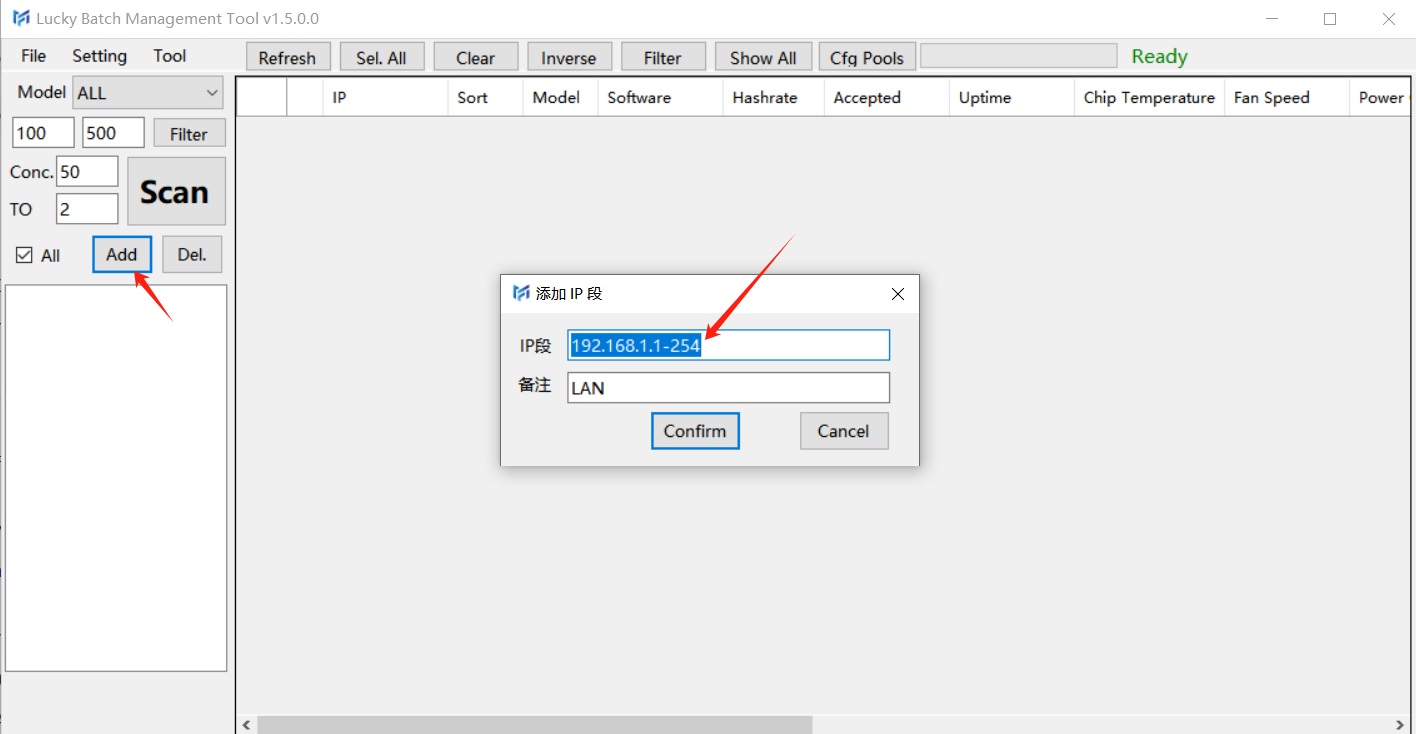
3.Scan the Luckyminers (the computer and Luckyminers shoulde be in the same network)
3.1 Scan
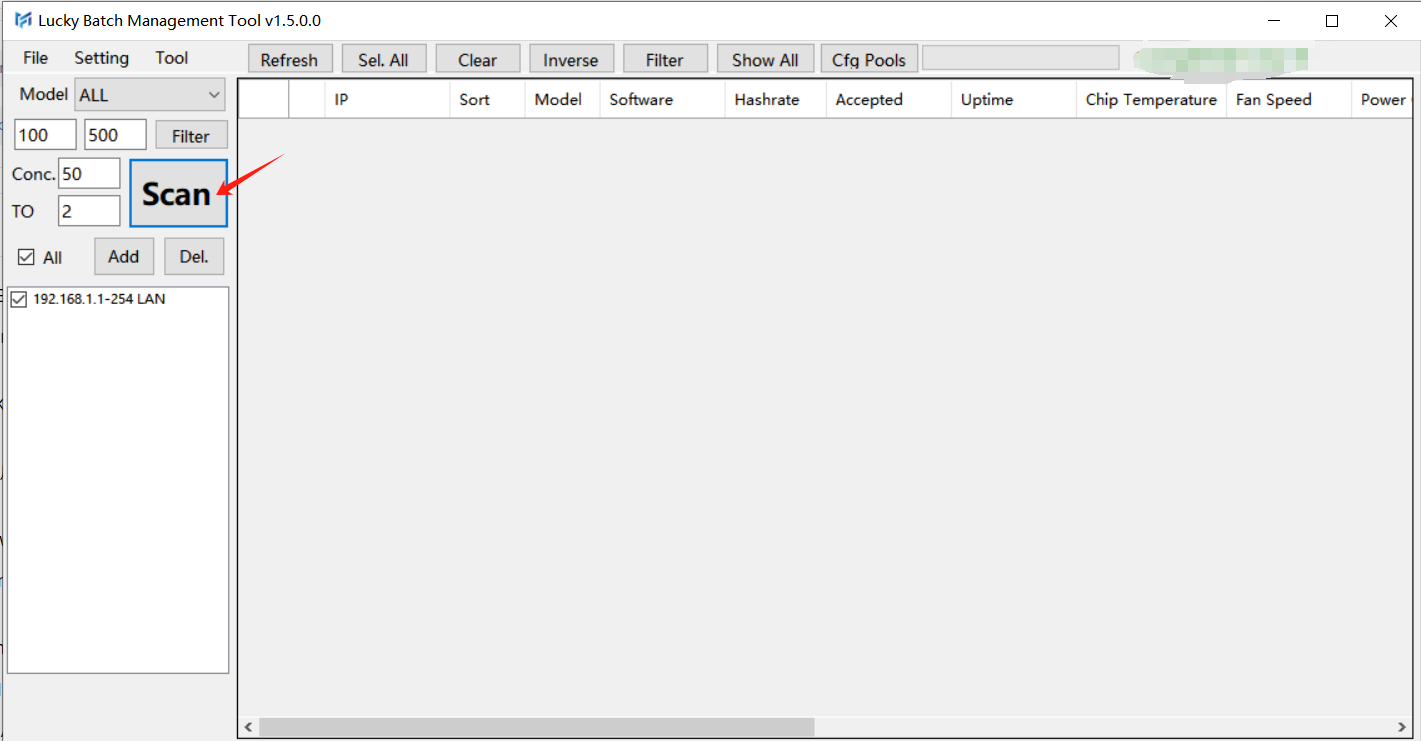
3.2 Scanning
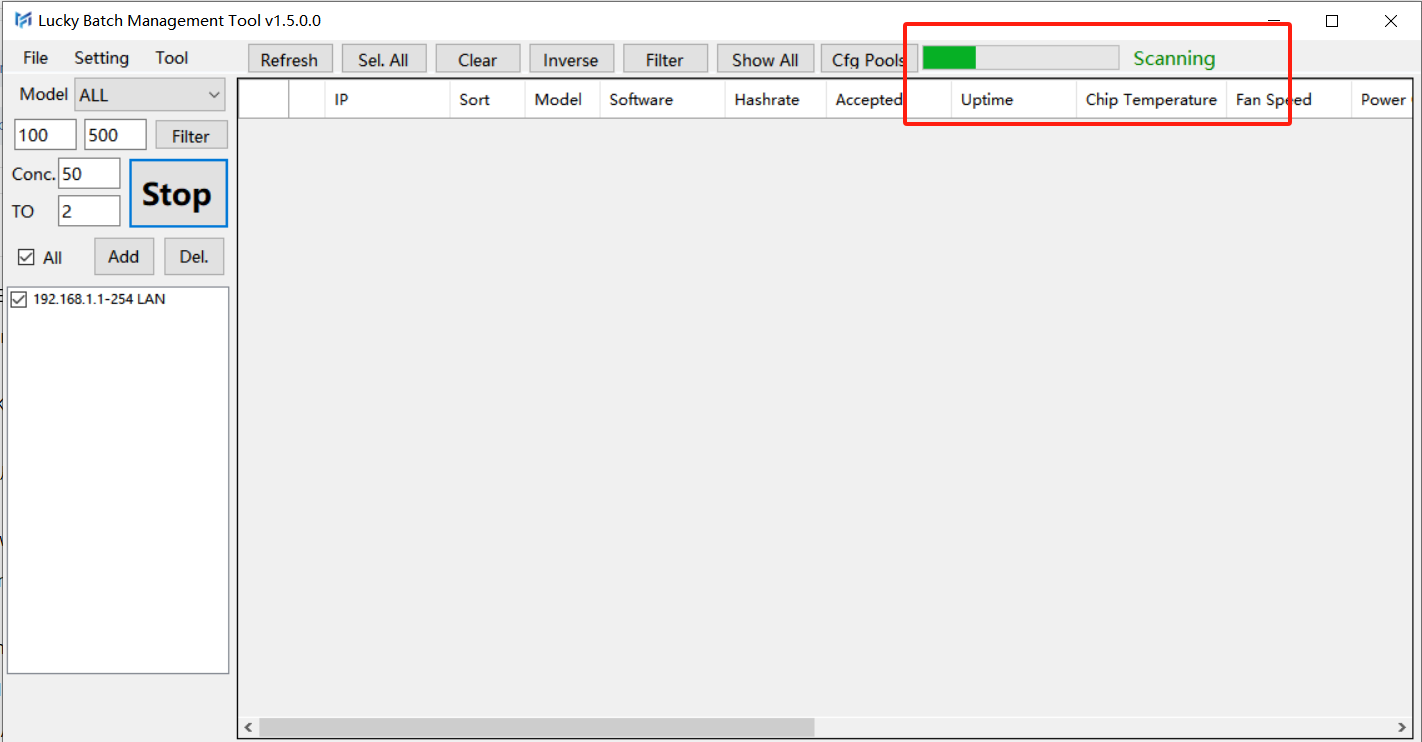
3.3 Scan Finished

3.4 Refresh the Luckyminer
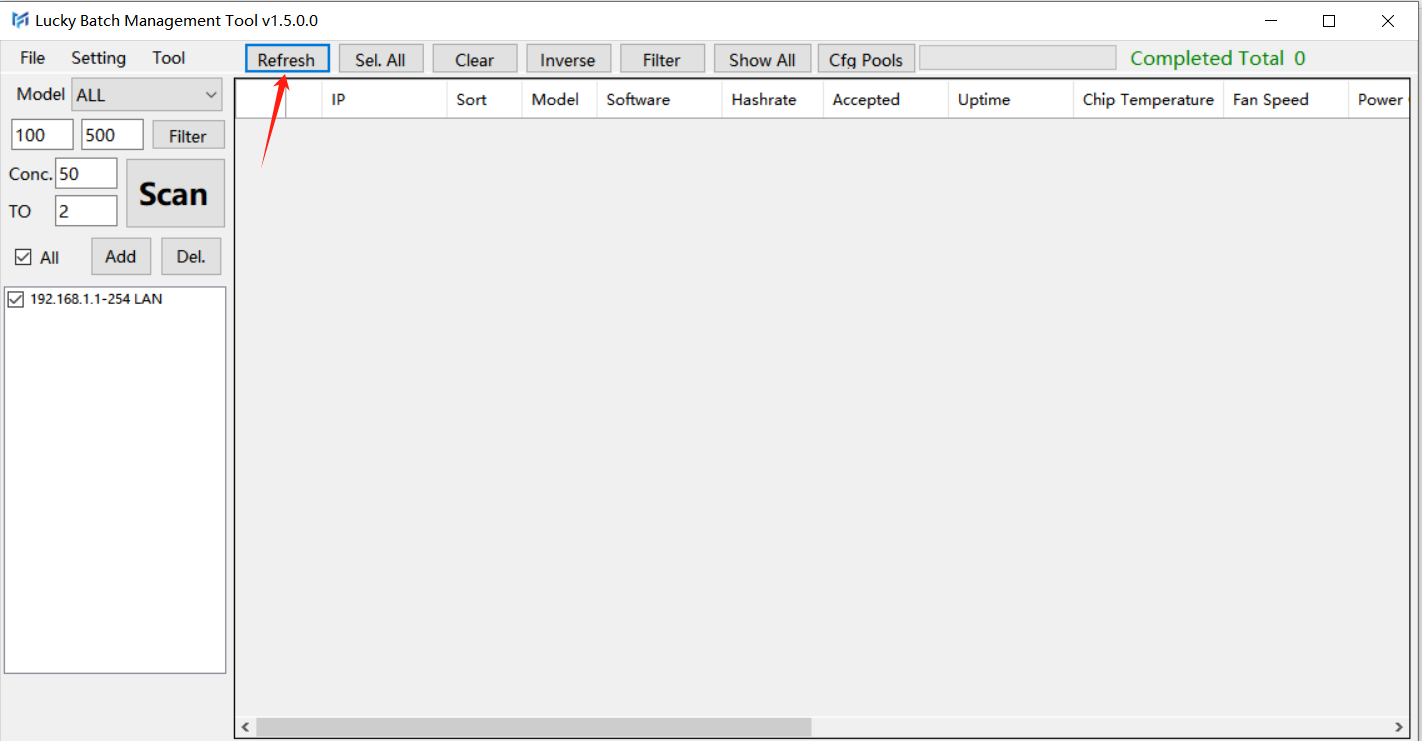
3.5 Refresh Finished
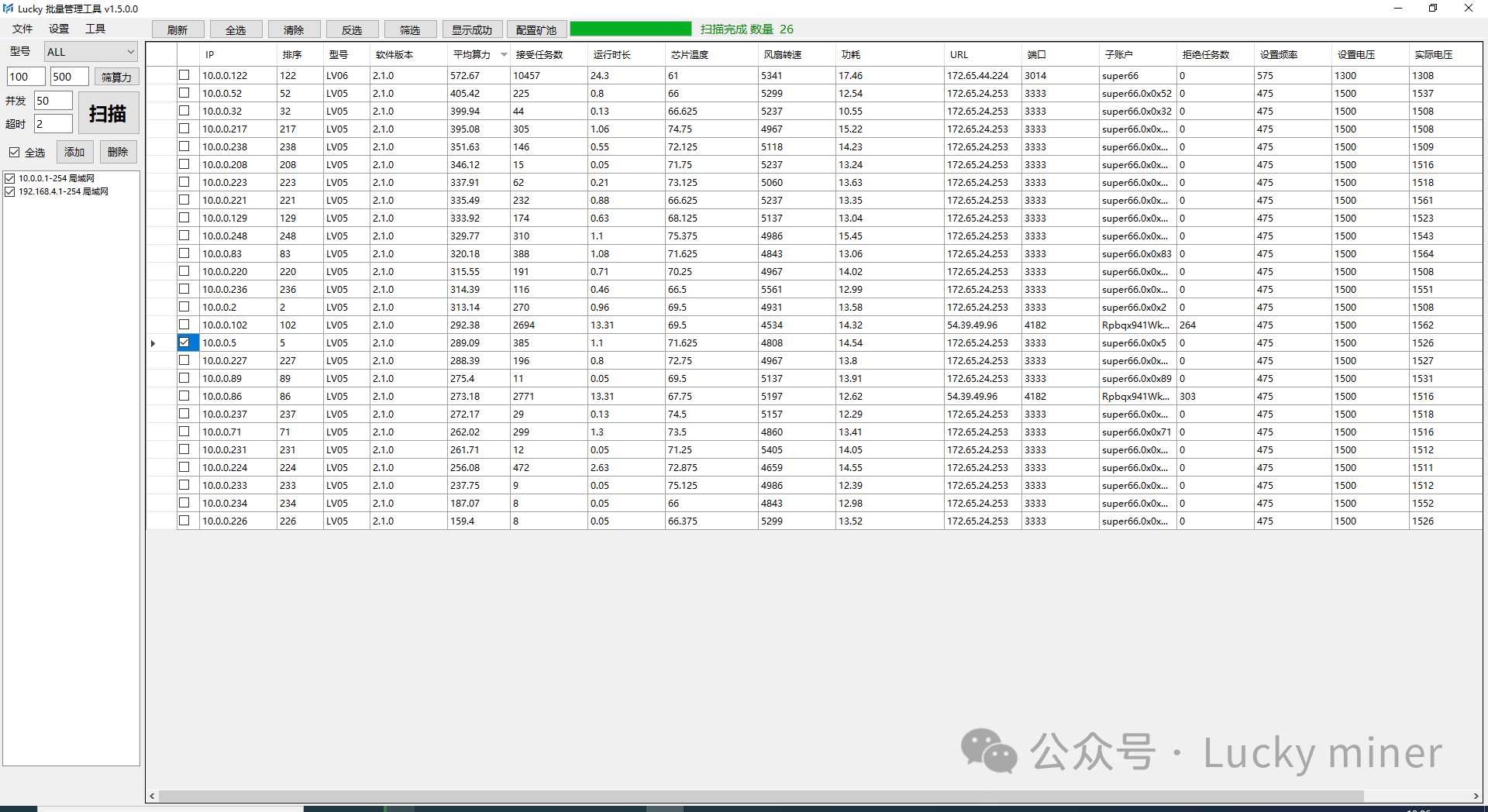
4.Configure the Pool

4.1 Click "Cfg Pools", it shows "Pool url and port",but grey and can not be edited.
4.2 Click "CTM." And select "Confirm".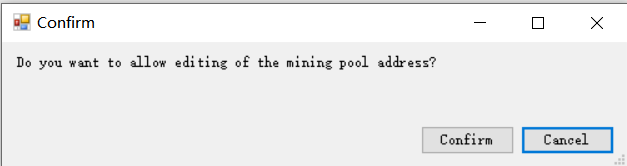
4.3 Configure "Pool url and port", "User"_User name/wallet address,"User suffix" and "User-IP bits"
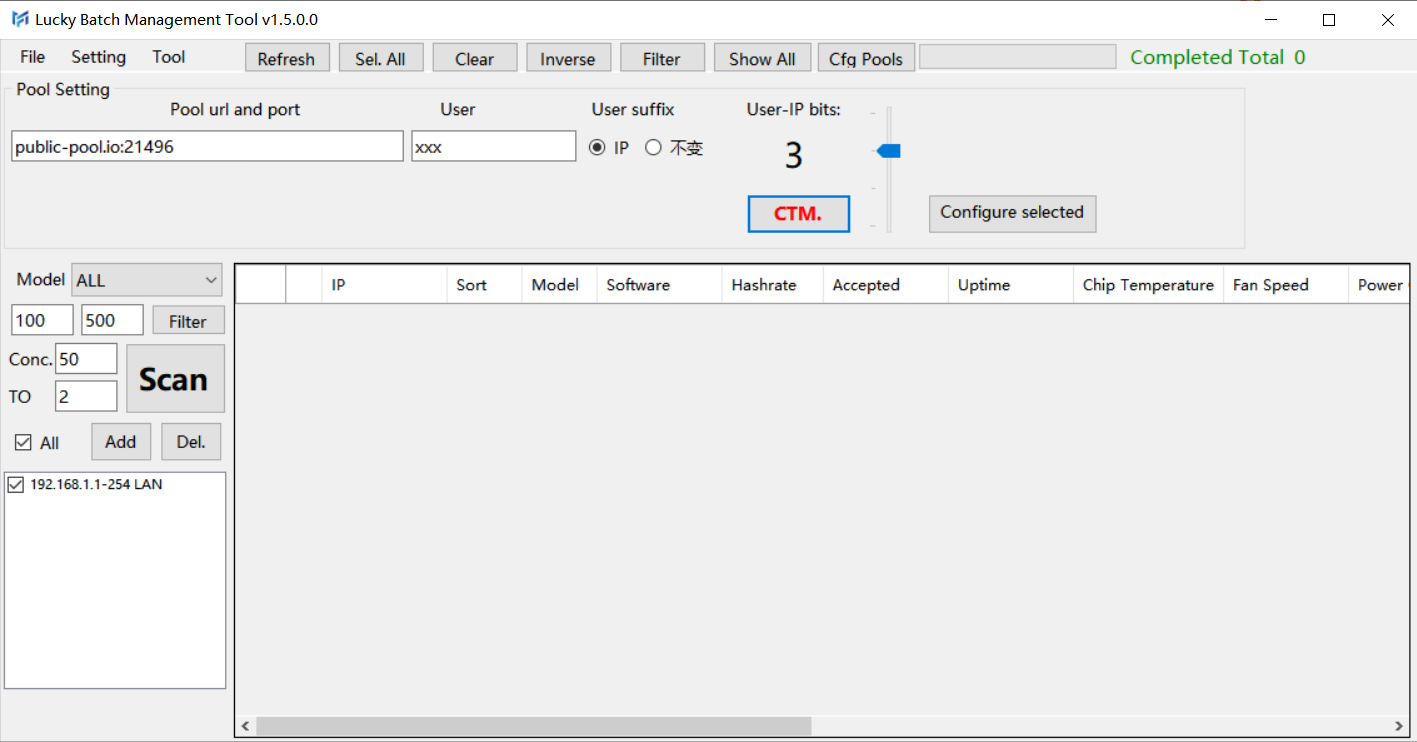
4.4 Select the Luckyminer's IP
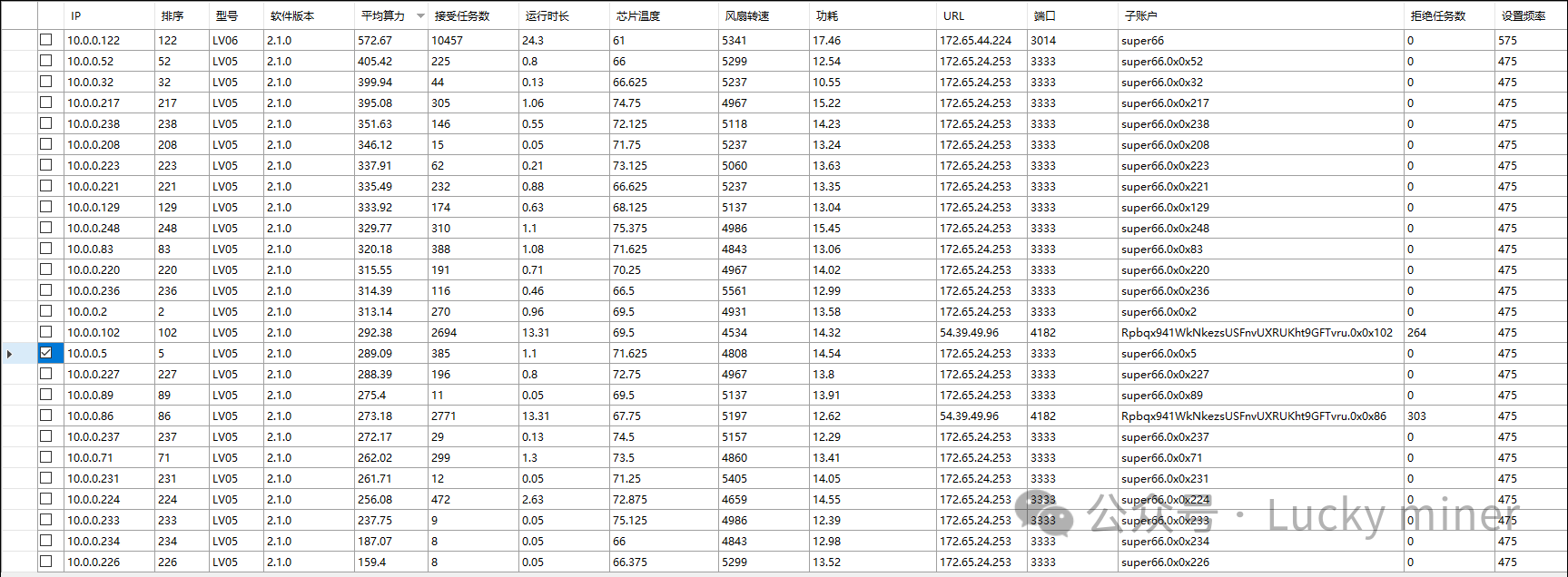
4.5 Click "Configure Selected"
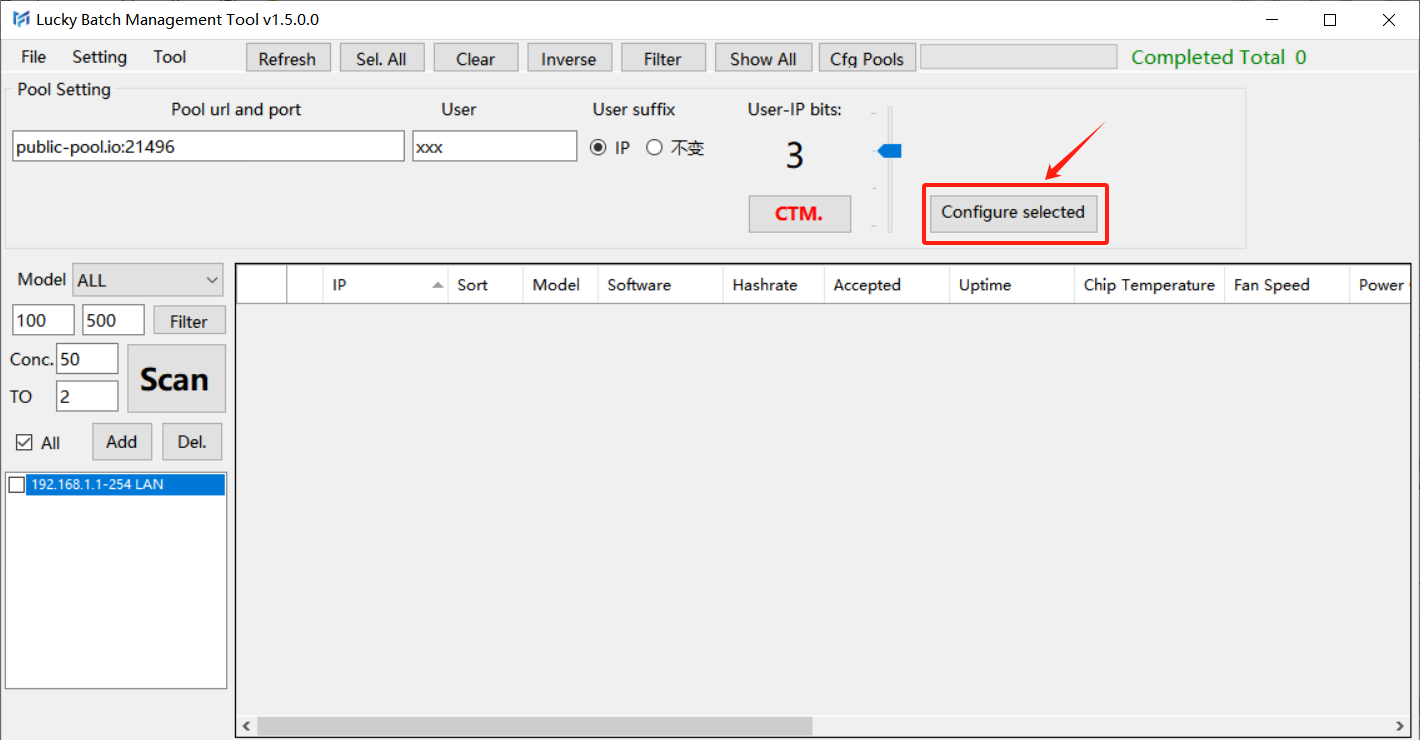
4.6 Click "Confirm"
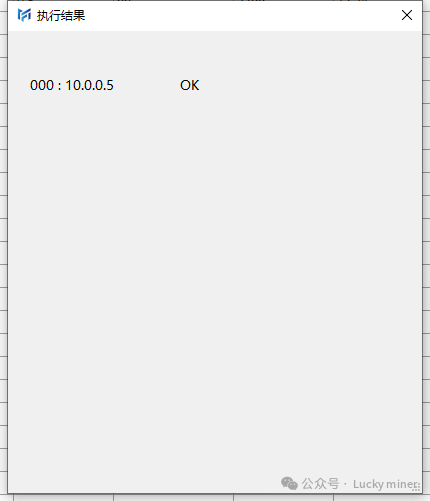
4.7 Wait for the configure result
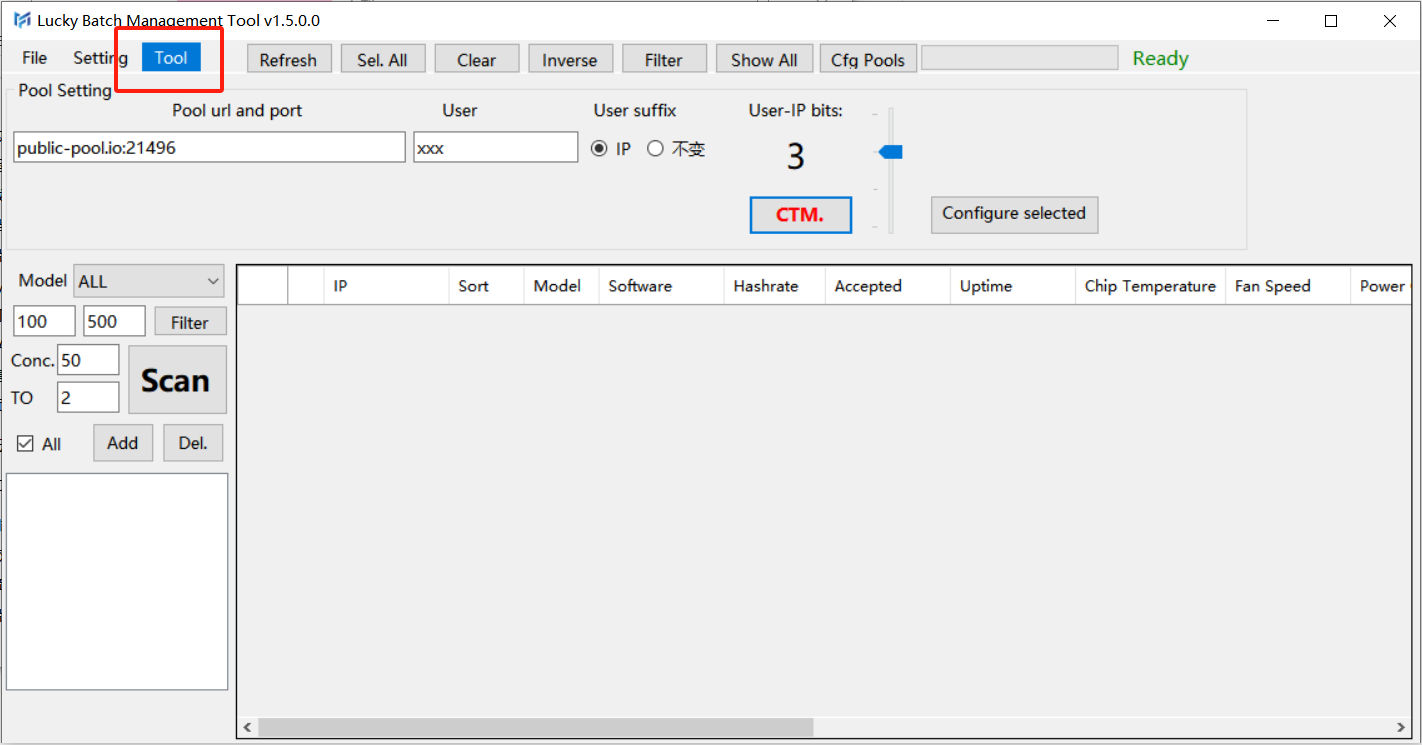
4.8 Select "Tool"-> "Machine Reboot"
4.9 Click "Confirm".
4.10 Waiting for the result.
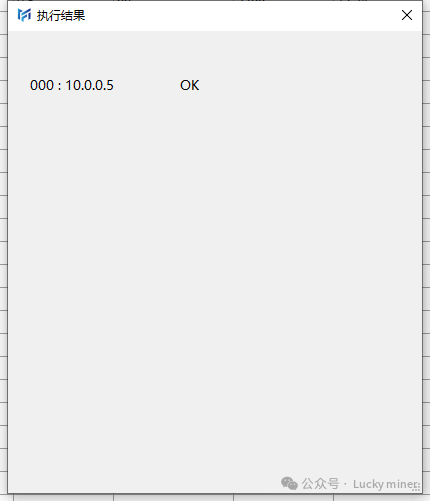
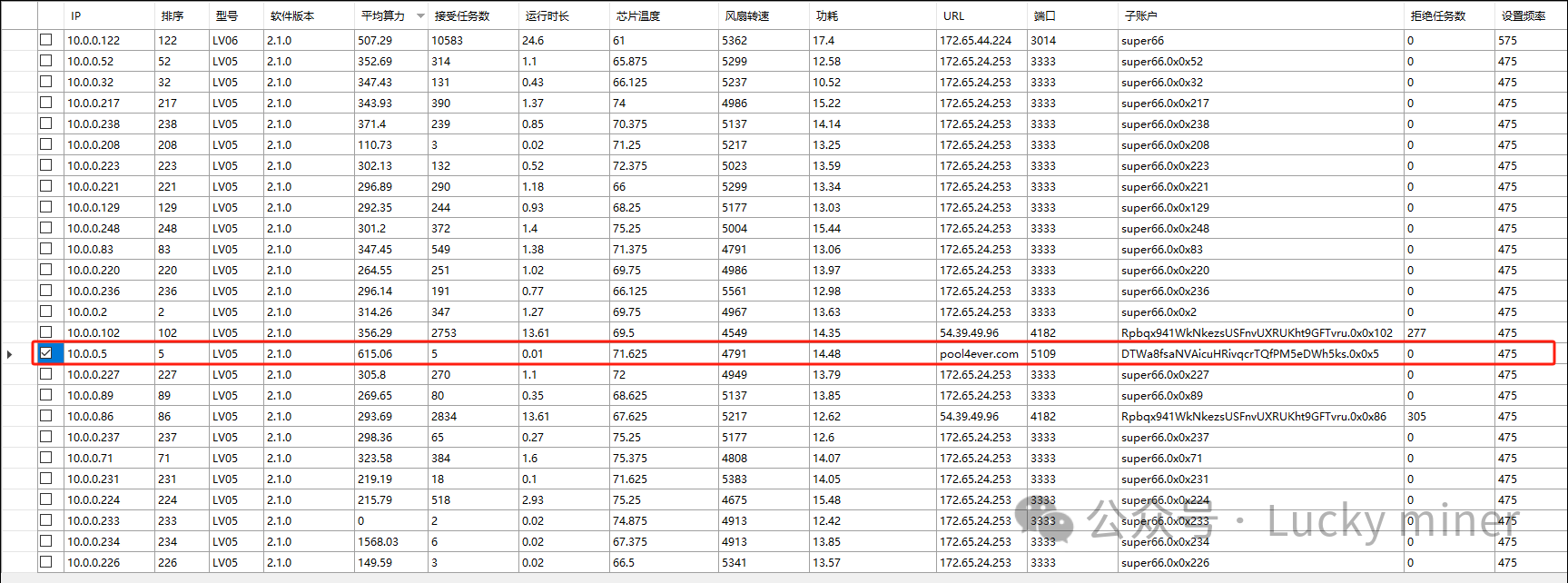
4.11 Refresh again to make sure the configuration is resetted.




 1470
631
603
414
178
143
141
141
129
90
1470
631
603
414
178
143
141
141
129
90
No. 199, Zhaojuesi South Rd, Chenghua District, Chengdu, Sichuan, China
No.14, Jian'an Rd, Bao An District, ShenZhen, GuangDong, China
+86 15390421113
minerfixesofficial@gmail.com